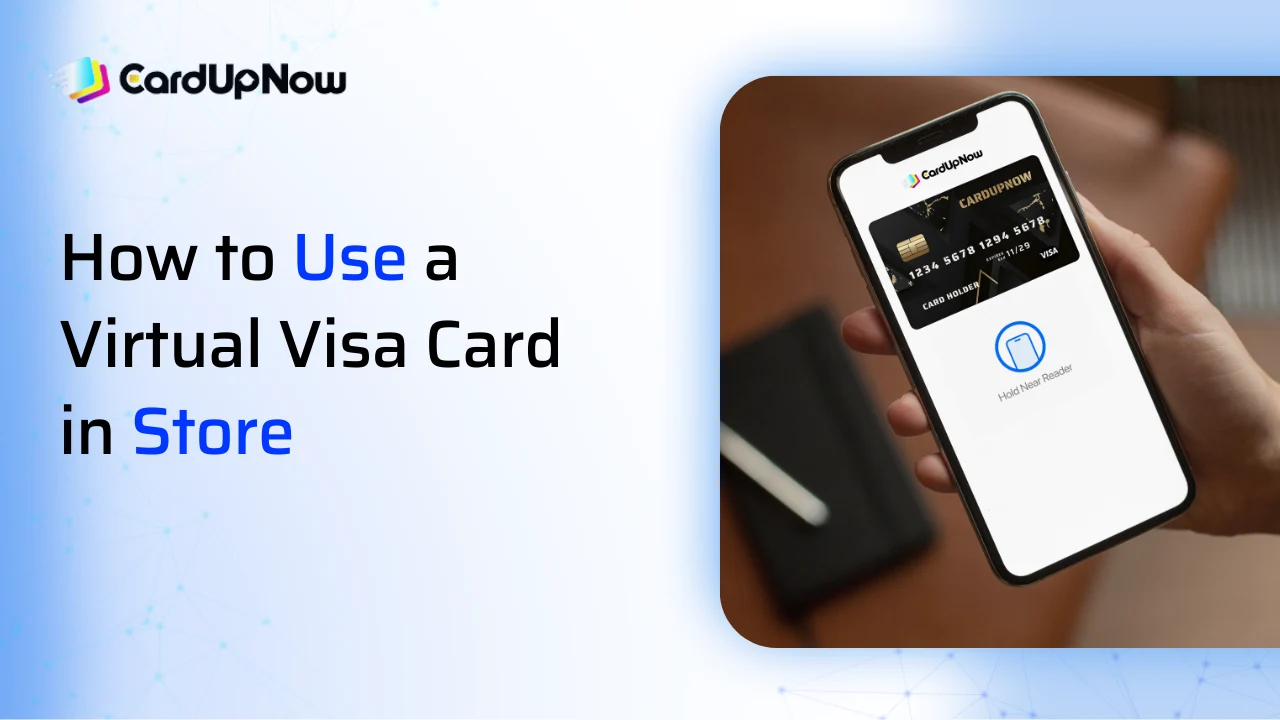
Using a virtual Visa card in a physical shop may feel confusing at first, especially if you only used it online before. Many people ask the same question again and again: Can you use a virtual Visa card in store?
The short answer is yes, you can. You just need to know the right steps, and the experience becomes smooth.
This guide shows you the simple steps you need to use your virtual card in a store. Everything is explained in plain words, so you can understand it without any trouble. Just follow along, and you will know exactly how to use virtual visa card in store to pay in minutes.
What Makes a Virtual Visa Card Work in Store
A virtual Visa card works the same way a normal card works. The only difference is you do not hold a plastic card in your hand. Instead, you use your phone to complete the payment.
Most stores today accept contactless payments. So once your virtual card is added to a mobile wallet, the payment happens in one tap. This is the main part of using a virtual card for in-person payment.
Add Your Virtual Visa Card to a Mobile Wallet
To use your virtual card inside a shop, the first step is to add it to a mobile wallet.
This is where many users search for guidance and ask how to add a virtual Visa card to Apple Wallet or Google Wallet.
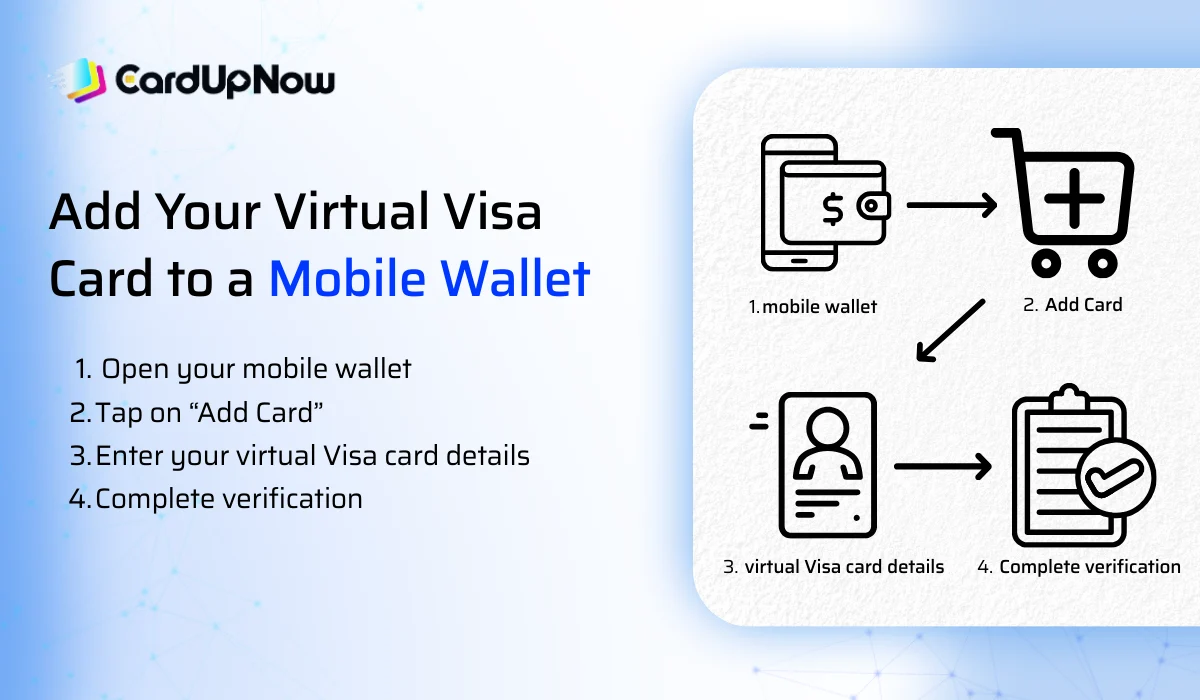
Here is the simple process:
1. Open your mobile wallet
You can use Apple Wallet, Google Wallet, or Samsung Wallet. Choose the one that matches your device.
2. Tap on “Add Card”
You will see an option to add a debit or credit card.
3. Enter your virtual Visa card details
Copy the card number, expiry date, and CVV from your virtual card dashboard and paste them here.
4. Complete verification
The wallet may ask you to verify through email or SMS. Once you confirm, your virtual card will be ready for use.
After this setup, your phone becomes your payment tool inside the store.
How to Use Your Virtual Visa Card in Store
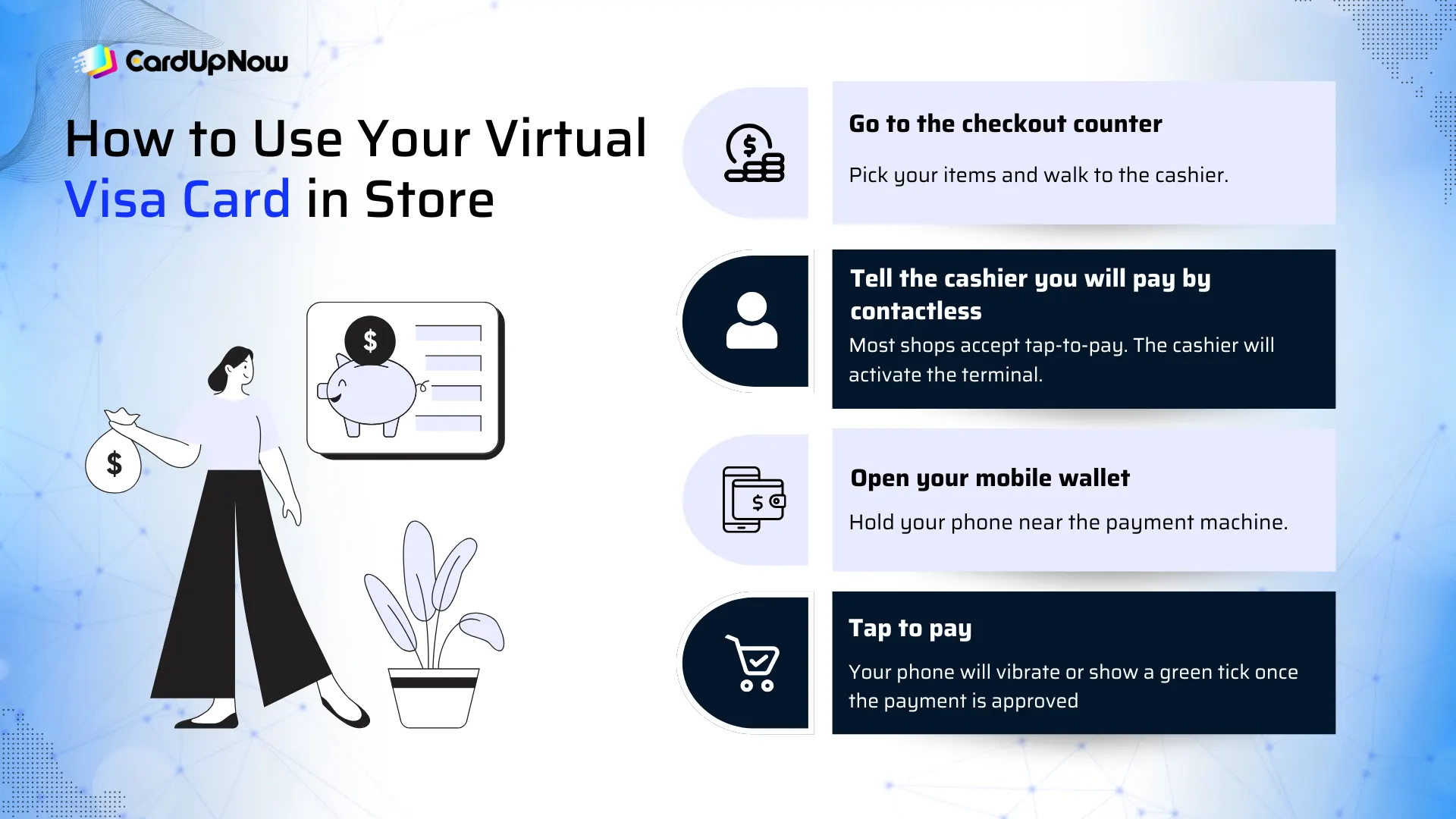
Once your card is inside your wallet, using it is very simple. Here is how you can do it step by step.
1. Go to the checkout counter
Pick your items and walk to the cashier.
2. Tell the cashier you will pay by contactless
Most shops accept tap-to-pay. The cashier will activate the terminal.
3. Open your mobile wallet
Hold your phone near the payment machine.
4. Tap to pay
Your phone will vibrate or show a green tick once the payment is approved.
That’s it. Your virtual Visa card works just like any tap-enabled card.
Possible Stores That Accept Virtual Visa Cards
You can use your virtual Visa card in many popular stores as long as the shop supports Visa and accepts tap-to-pay. Since your virtual card works through Apple Wallet, Google Wallet, or Samsung Wallet, any store with a contactless payment machine can accept it. This makes in-store use simple and fast for daily purchases.
You can normally use your virtual Visa card in places like supermarkets, clothing stores, pharmacies, restaurants, coffee shops, gas stations, and convenience stores. Many retail chains, grocery markets, and lifestyle outlets have already moved to contactless systems, so in-person payment with a virtual card works without trouble.
If the store has a tap symbol on the payment terminal, your virtual Visa card will most likely work. This gives you more flexibility, since you can shop, dine, or grab essentials without carrying a plastic card.
Benefits of Using a Virtual Visa Card in Person
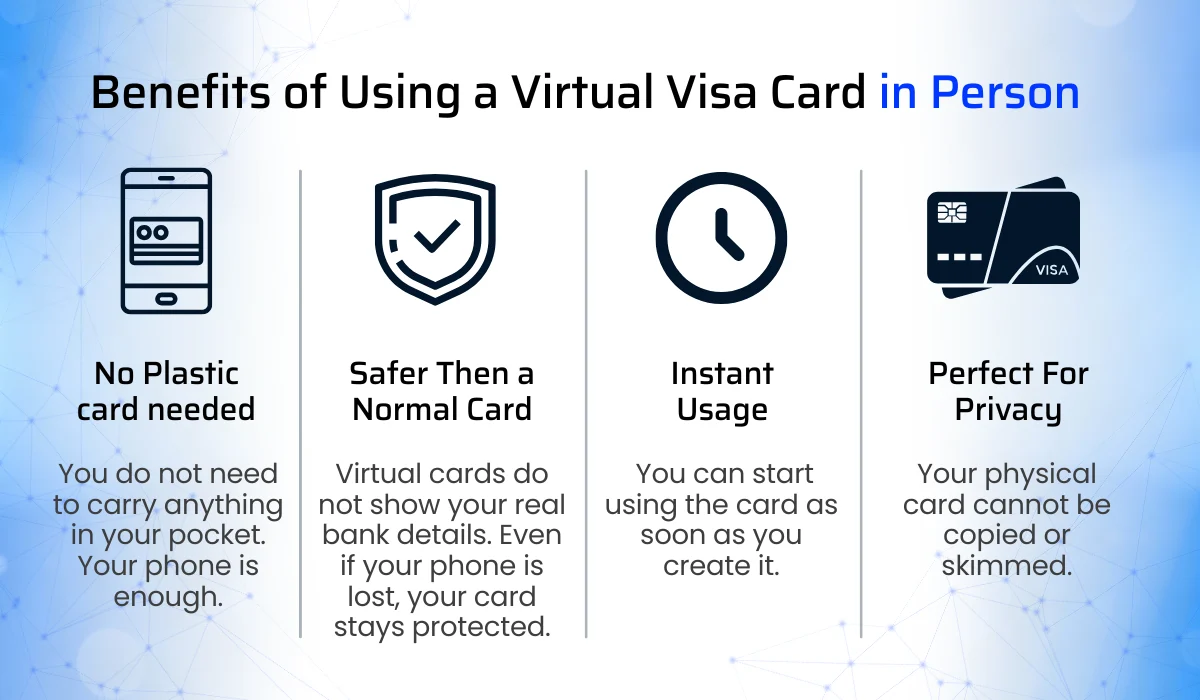
Using a virtual card for in-person payment gives many advantages.
- No plastic card needed: You do not need to carry anything in your pocket. Your phone is enough.
- Safer than a normal card: Virtual cards do not show your real bank details. Even if your phone is lost, your card stays protected.
- Instant usage: You can start using the card as soon as you create it.
- Perfect for privacy: Your physical card cannot be copied or skimmed.
These benefits make virtual cards a smart option for daily spending.
Common Problems and Simple Fixes
Some users face small issues while trying to use a virtual card inside a shop. Here are easy solutions.
- Your card is not added to the wallet : Recheck the card number, expiry date, and CVV. These must match exactly.
- Wallet verification is incomplete : Confirm the SMS or email verification.
- Store does not support contactless : If the shop does not have tap-to-pay, you cannot use a virtual card there. You can ask the cashier before you start.
- Low balance : Make sure your virtual Visa card has enough balance for the purchase.
These simple checks fix most issues instantly.
Virtual Card In-Person Payment Is Getting Easier Every Year
More stores are accepting mobile payments now. People are using virtual cards for coffee, groceries, clothing, and even fuel. Technology is growing fast, and contactless payments are becoming a normal part of everyday life.
If you have been thinking about using your virtual Visa card inside stores, this is the right time to start. The process is simple, secure, and fast.
Before You Go
Using a virtual Visa card in store is easier than most people think. Once you add it to your mobile wallet, you can pay for almost anything with a quick tap. It works for in-person payment, protects your financial details, and gives you more freedom in your daily shopping.
So the next time someone asks, Can you use a virtual Visa card in store?, you already know the answer and the full process.
FAQ about How to Use Virtual Visa Card in Store
Can you use a virtual Visa card in store for contactless payments?
Yes, you can use a virtual Visa card in store as long as the shop supports contactless payments. After adding the card to your mobile wallet, you can tap your phone on the payment terminal just like a normal card. Most supermarkets, clothing stores, restaurants, and pharmacies support tap-to-pay, so in-person payments work smoothly.
How do I add a virtual Visa card to Apple Wallet for in-store use?
To add a virtual Visa card to Apple Wallet, open the Wallet app on your iPhone and tap the plus icon. Choose the option to add a debit or credit card. Enter your virtual card number, expiry date, and CVV, then complete the verification through email or SMS. Once added, you can use Apple Pay inside any supported store.
Does a virtual Visa card work for in-person payment without a physical card?
Yes, it works perfectly. You do not need a plastic card for virtual card in-person payment. Your phone replaces the physical card. As long as your virtual card is added to Apple Wallet, Google Wallet, or Samsung Wallet, you can tap your phone at the checkout counter and complete the transaction instantly.
Why is my virtual Visa card not working in store?
There can be a few simple reasons. The store may not support contactless payments, your card may not be verified inside the wallet, or the balance may be too low. Sometimes the card details inside the wallet may not match the original virtual card information. Rechecking these points usually fixes the issue, and you can try again.