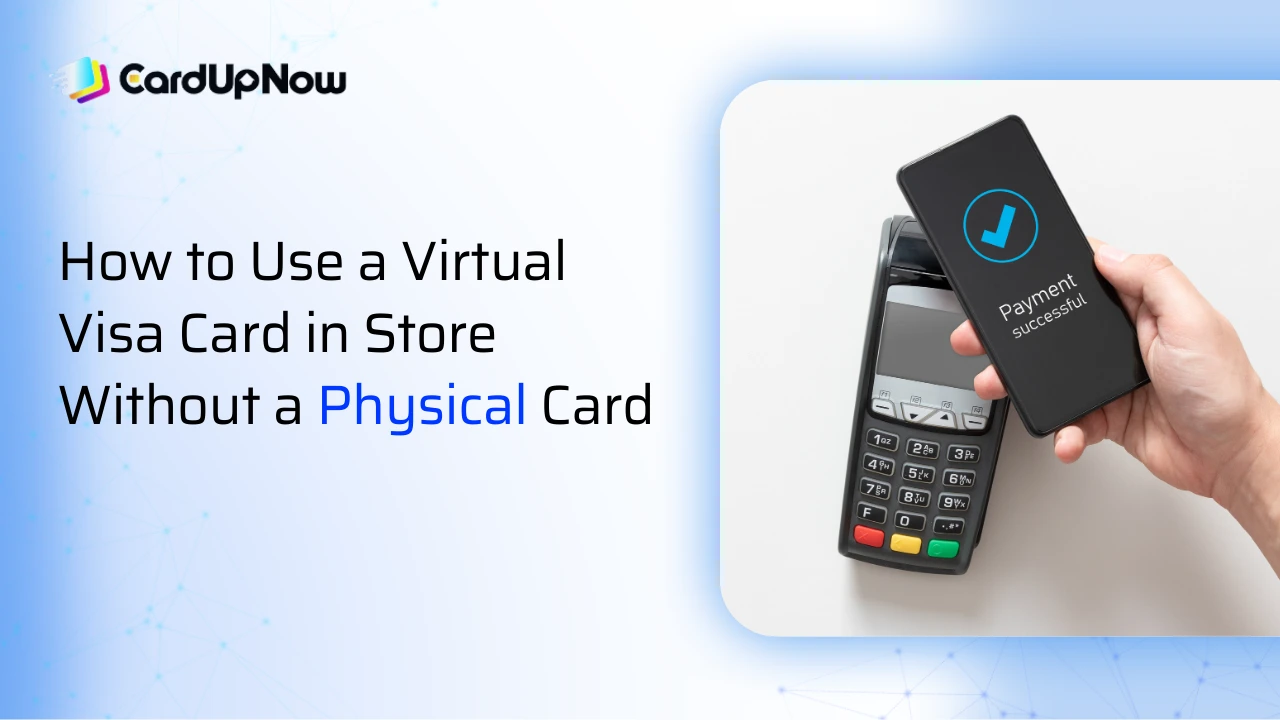
Virtual cards have changed how people pay online, but many users still feel stuck when it comes to using a virtual Visa card inside a physical store. You may have money loaded, your card details ready, and your phone in hand, yet the question remains the same: how do you actually pay at a checkout counter without a physical card? Here is step-by-step guide on how to use virtual Visa card in store without card
The good news is that using a virtual Visa card in store is possible in many real-world situations. The bad news is that it does not work the same way for everyone. It depends on how your virtual card is issued, what kind of phone you use, and how the store accepts payments.
Can a Virtual Visa Card Be Used in Physical Stores?
A virtual Visa card is a digital version of a traditional Visa card. It has a card number, expiry date, and CVV, but no plastic form. By default, virtual cards are designed for online payments, subscriptions, and app purchases. In-store usage becomes possible only when the virtual card can be linked to a contactless payment method or accepted manually by the merchant.
The key concept behind in-store usage is tokenization. Instead of sharing your real card number with the payment terminal, your phone or wallet creates a secure token. That token represents your virtual Visa card during the transaction. If your card issuer supports this process, your virtual card can behave just like a physical contactless card at the counter.
Method 1: Add the Virtual Visa Card to a Mobile Wallet
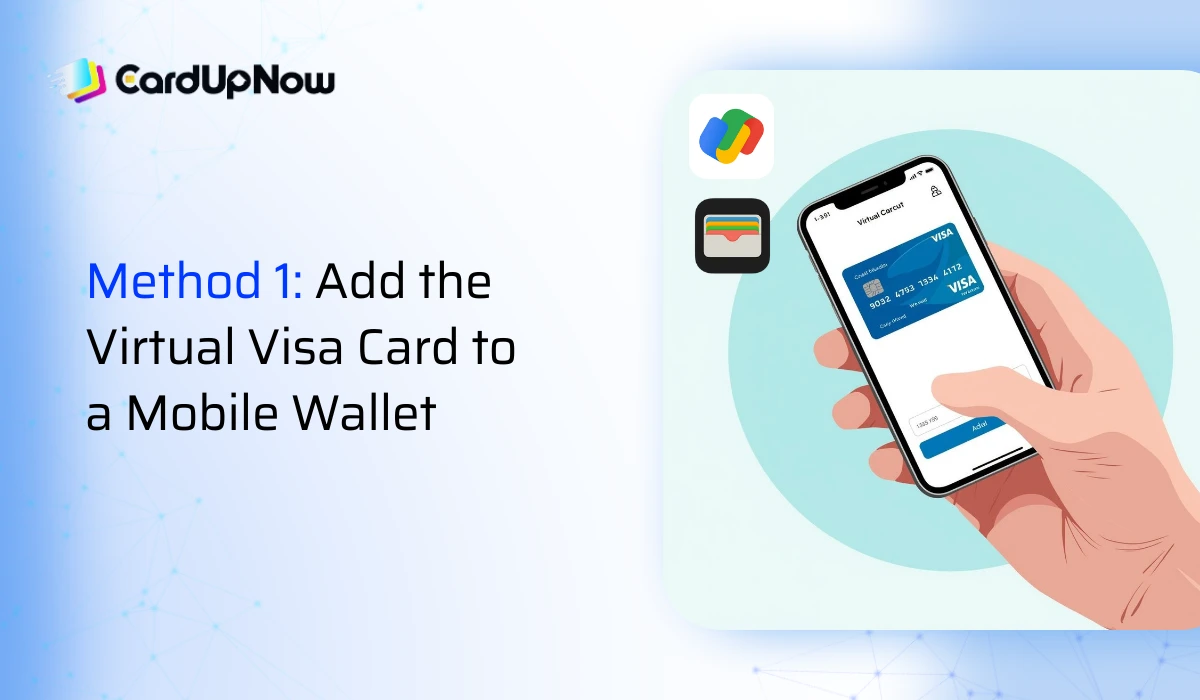
This is the most practical and widely accepted way to use a virtual Visa card in store. If your card issuer allows it, you can add your virtual card to a mobile wallet and pay using tap-to-pay. Popular wallets include Apple Pay, Google Wallet, and Samsung Pay.
Start by opening your wallet app and choosing the option to add a new card. Enter your virtual Visa card details exactly as shown in your issuer’s app or dashboard. Some issuers require additional verification, such as an OTP, email confirmation, or in-app approval. Once verified, the card appears in your wallet like any other payment card.
At the store, make sure NFC is enabled on your phone. Unlock your device, hold it near the contactless terminal, and wait for confirmation. If the terminal supports Visa contactless payments, the transaction usually completes within seconds.
This method works best at supermarkets, convenience stores, restaurants, and retail chains that already accept contactless payments. It may fail if the issuer blocks wallet provisioning or if the merchant has disabled mobile wallet payments.
Method 2: Pay Through PayPal or a Wallet Bridge
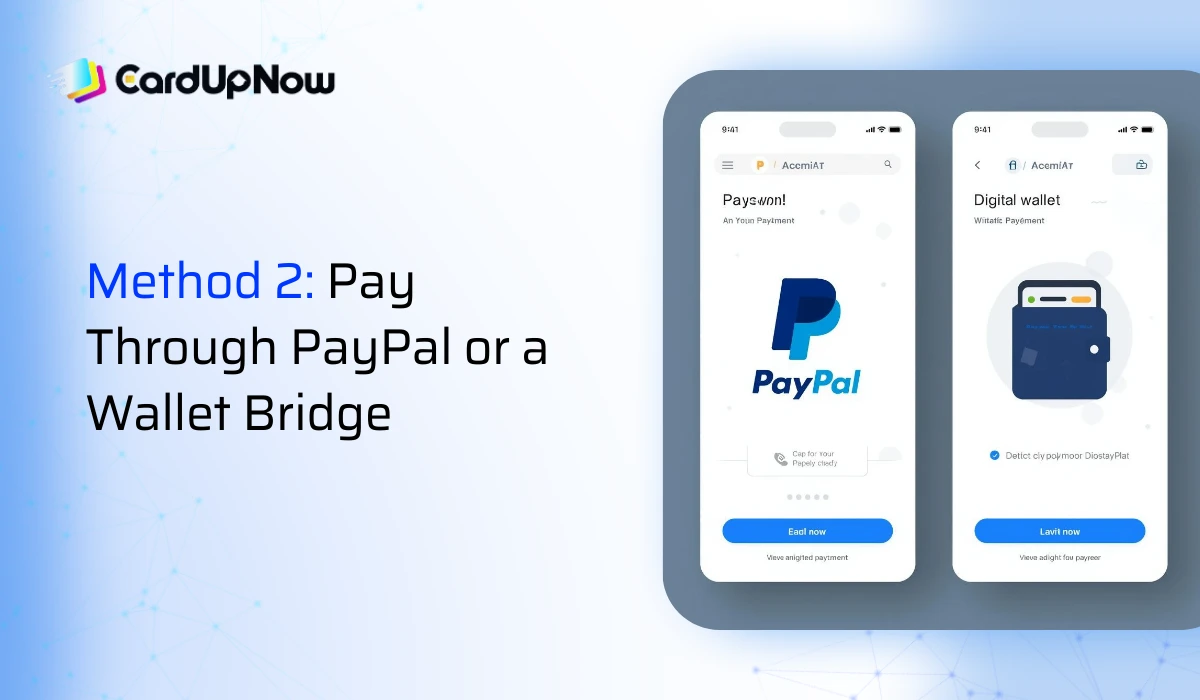
Some virtual Visa cards cannot be added directly to mobile wallets, but they still work when linked to PayPal. In this case, PayPal acts as an intermediary between your virtual card and the store.
First, add your virtual Visa card to your PayPal account as a payment method. Once added, you can use PayPal for in-store payments at locations that support PayPal QR codes, PayPal app checkout, or PayPal-linked wallets. In certain regions, PayPal can also be connected to Samsung Pay, which allows contactless payment using your phone.
This method is useful, but it is not universal. Some stores support PayPal only online, and some PayPal transactions may include extra verification steps. It is still a practical backup when direct wallet support is unavailable.
Method 3: Manual Card Entry at the Checkout or Store App
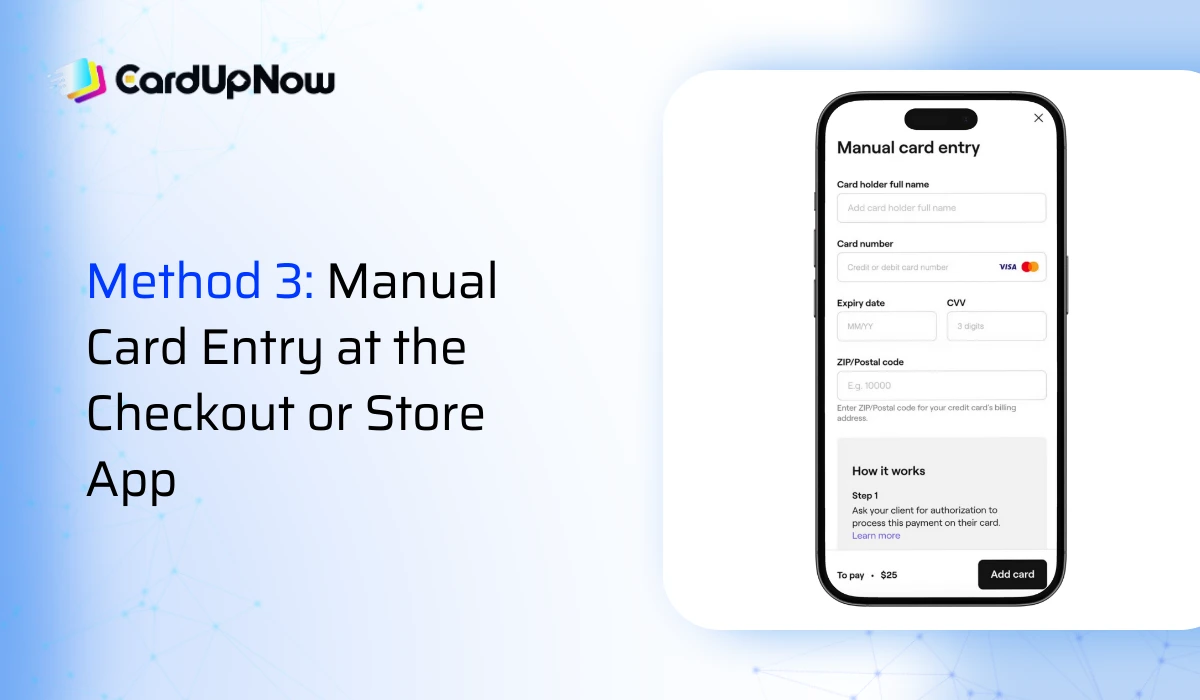
In some physical stores, especially smaller shops, hotels, and service counters, staff can manually enter card details into the POS system. In these cases, you can provide the virtual Visa card number, expiry date, and CVV directly from your phone.
This approach works best when the merchant is comfortable with manual entry and when the card issuer allows card-not-present transactions in physical locations. It may not work at large chain stores where terminals are locked to chip or contactless payments only.
Some retailers also offer their own mobile apps with in-store checkout features. You scan items, enter your virtual card details in the app, and confirm payment without visiting a traditional checkout counter. This method feels similar to online payment, even though you are physically inside the store.
Method 4: Use a Wearable Device Linked to Your Wallet
If your virtual Visa card is already added to a mobile wallet, it can often be used through a smartwatch or wearable device. Smartwatches connected to Apple Pay or Samsung Pay allow you to tap and pay without taking out your phone.
This option is especially helpful when your phone battery is low or when quick payments are needed. The transaction process remains the same, and security is handled through device authentication.
What to Check Before Going to the Store
Before relying on a virtual Visa card for in-store payments, it helps to confirm a few important details. First, check if your card issuer allows wallet integration. Not all virtual cards support Apple Pay or Google Wallet. Second, make sure your phone supports NFC and that contactless payments are enabled.
You should also confirm that your card has enough balance, that your billing details are correctly set, and that the store accepts contactless or mobile wallet payments. Having a backup payment method is always a smart idea, especially when testing a virtual card for the first time.
What to Do If the Payment Fails
Payment failures happen, even with physical cards. If your tap does not work, unlock your phone and try again. Sometimes the wallet app needs to be reopened. If that fails, ask the cashier whether manual card entry is possible.
If none of these options work, do not assume the card is useless. Some cards work in one store but fail in another due to terminal settings or merchant restrictions. Testing with a small purchase at a different store often gives better clarity.
Final Thoughts about How to Use Virtual Visa Card in Store Without Card
Using a virtual Visa card in store without a physical card is no longer a rare scenario. With the right setup, your phone can replace your wallet in many everyday situations. The most reliable approach is adding the card to a mobile wallet, but alternatives like PayPal or manual entry can still work when needed.

If you take a few minutes to check compatibility and test your card in advance, in-store payments with a virtual Visa card can feel just as smooth as using plastic.